Reading and preprocessing radar data#
First, we need to import ADAM in order to use its functionality:
import adam
ADAM contains a very easy to use function that will automatically download the NEXRAD data for a specified time period and perform preprocessing on the radar data in order to make it suitable for inference by ADAM’s fine-tuned ResNet50 models. In order to perform this preprocessing for a given time period at the Romeoville radar (KLOT) in the Chicago metro area, simply do the following code:
rad_scan1 = adam.io.preprocess_radar_image('KLOT', '2025-07-15T18:00:00')
Lakebreeze inference#
The next step is to develop the binary lakebreeze mask from the preprocessed radar data. This is also done with one line of code in ADAM:
rad_scan1 = adam.model.infer_lake_breeze(
    rad_scan1, model_name='lakebreeze_model_fcn_resnet50_no_augmentation')
Visualizing your result#
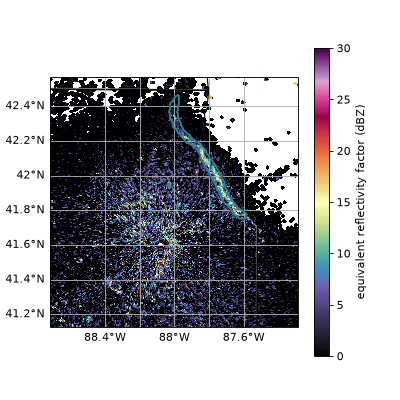
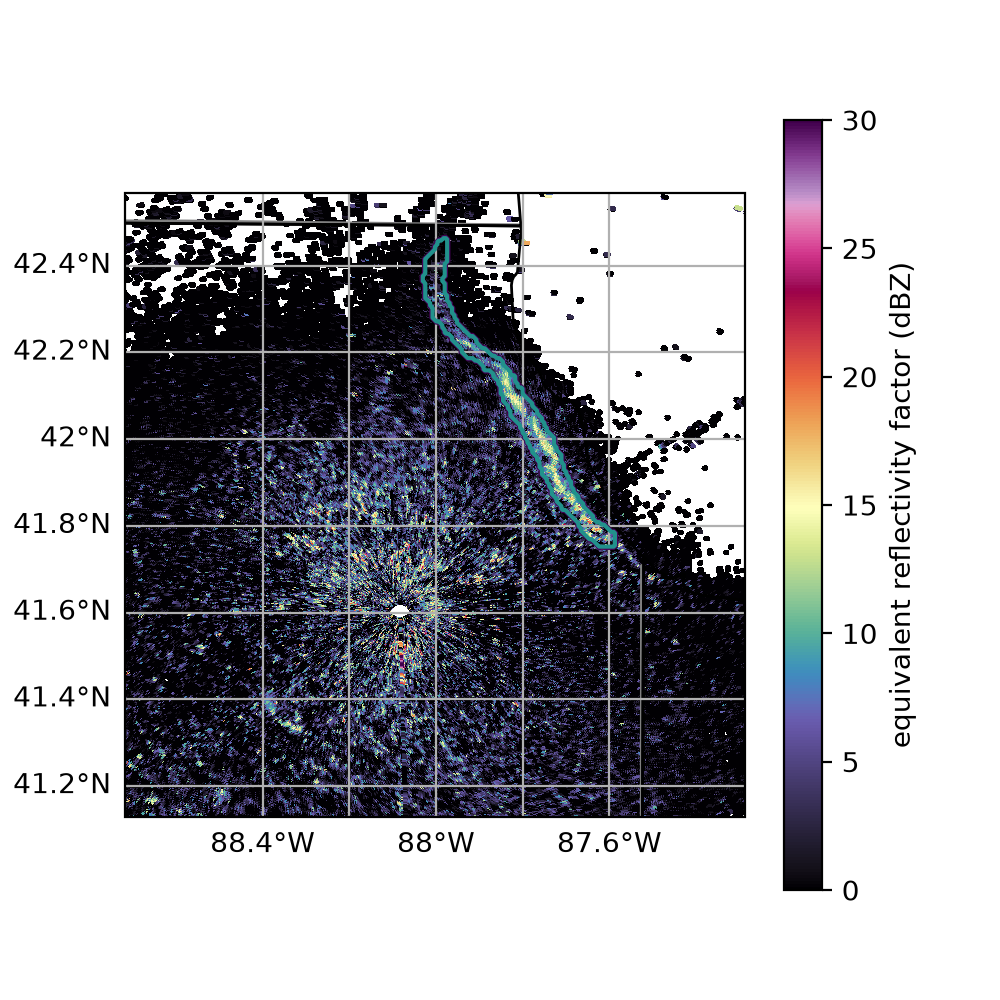
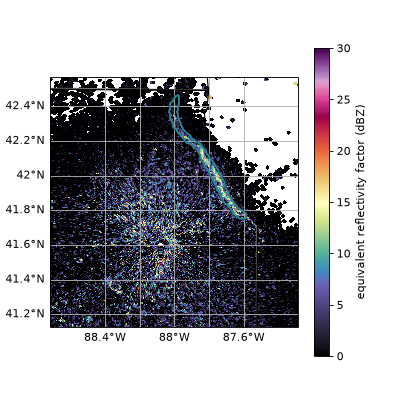
To visualize your lakebreeze image on a base reflectivity plot, simply
adam.vis.visualize_lake_breeze(rad_scan1, vmin=0, vmax=30, cmap='ChaseSpectral')
(Source code, png, hires.png, pdf)